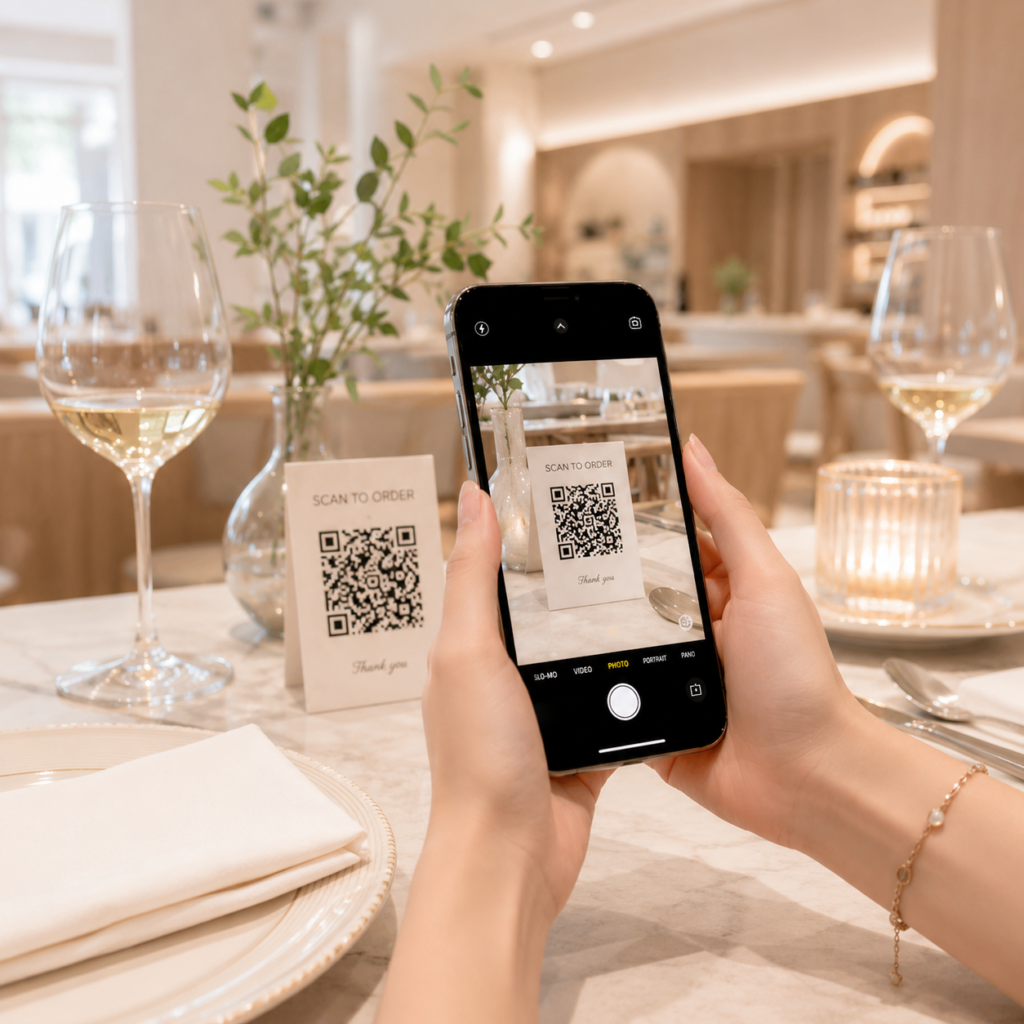
With our online menu platform, restaurant and café owners can create a professional digital menu using nothing more than their smartphone. No technical knowledge is required, and you don’t even need to register an account to get started.
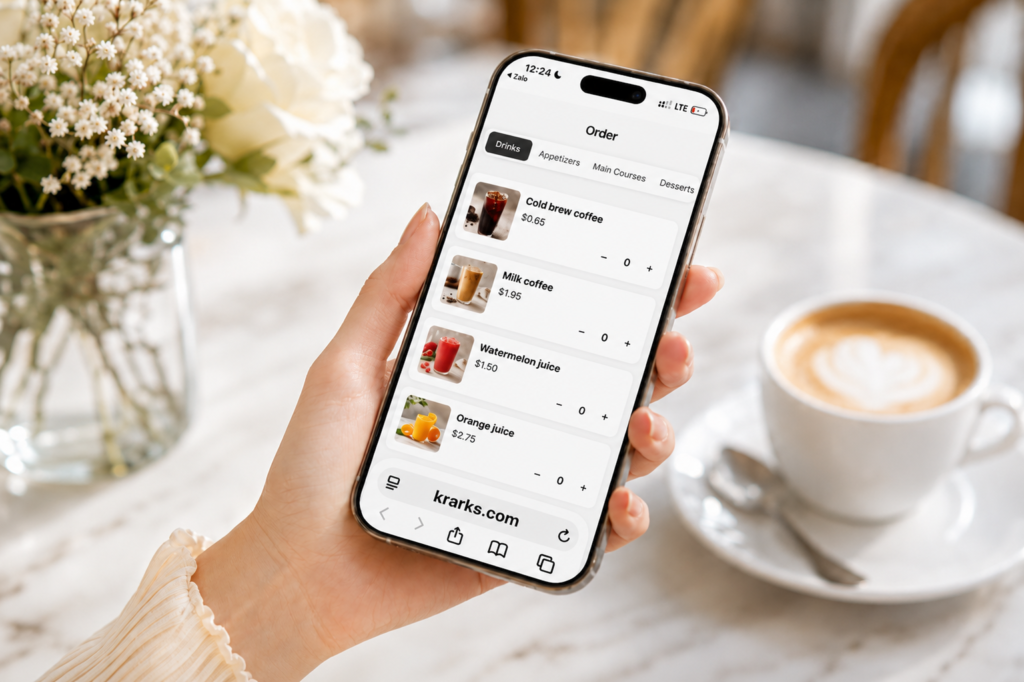
In just a few simple steps, you’ll have a fully functional online menu that allows customers to browse your dishes, place orders, send orders directly to the kitchen, and automatically provide a copy to your cashier for payment processing.
1. Create Your Menu Without Signing Up
One of the biggest advantages of our platform is that you can start creating your menu immediately without creating an account.
Simply open the website on your smartphone and tap the “Create Menu” button.
The system will instantly take you to the menu builder, where you can begin creating your restaurant’s digital menu. There are no lengthy registration forms or complicated setup processes. This allows restaurant and café owners to experience the platform right away and see how easy it is to build a professional online menu.
2. Add Food and Drinks Directly from Your Phone
Once you’re in the menu builder, creating your menu is incredibly simple.
Just select a menu category, upload a photo of your dish or drink, enter its name, and set the price. That’s it.
Whether you own a café serving coffee, tea, smoothies, and desserts, or a restaurant offering appetizers, main courses, beverages, and combo meals, you can organize your menu into categories that make it easy for customers to browse.
Adding high-quality food photos helps make your menu more attractive and gives customers a better idea of what they’re ordering, which can significantly increase sales.
3. Publish Your Digital Menu Instantly
After you’ve added your dishes, uploaded images, and entered pricing, your digital menu is ready to use.
There’s no waiting period or complicated publishing process. Your online menu becomes available immediately, allowing customers to browse your offerings and place orders right away.
Whether customers are dining inside your restaurant or ordering remotely, your digital menu is always accessible.
4. Orders Are Sent Directly to the Kitchen
One of the most powerful features of the platform is its real-time kitchen workflow.
As soon as a customer submits an order, it is instantly delivered to the kitchen display. Kitchen staff can immediately see what needs to be prepared, including item quantities and any special instructions provided by the customer.
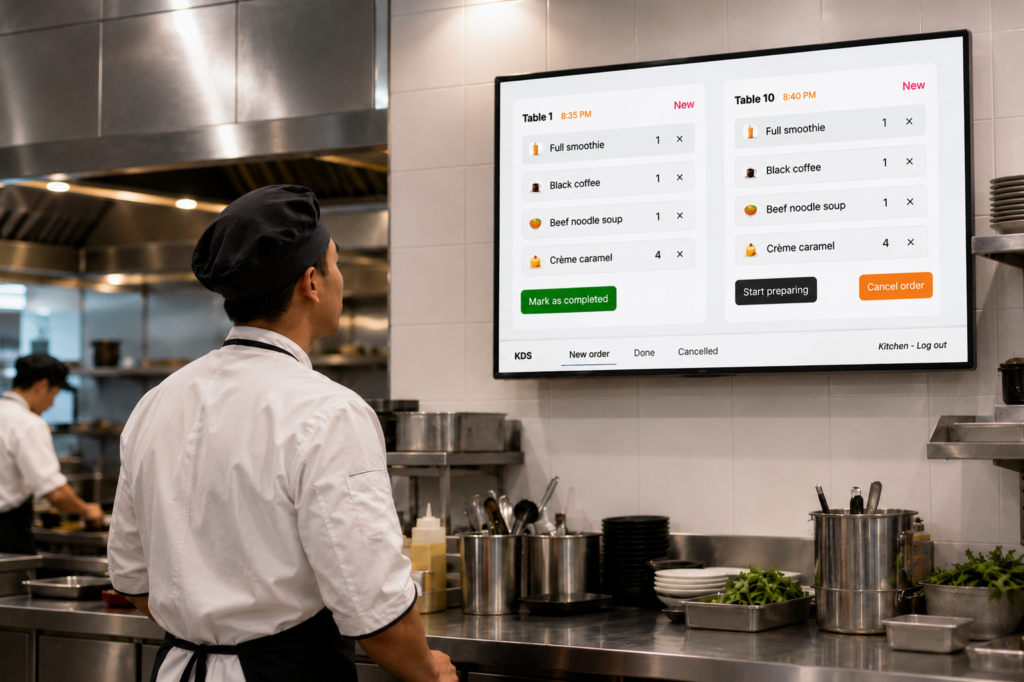
This eliminates the need for servers to manually communicate orders to the kitchen, helping reduce mistakes, speed up food preparation, and improve overall service efficiency.
It’s an ideal solution for busy restaurants, cafés, food courts, and quick-service businesses.
5. Cashiers Automatically Receive a Copy of Every Order
At the same time the kitchen receives an order, the cashier also receives an identical copy.
This allows your cashier to instantly view the customer’s order, verify the ordered items, identify the table or customer information, and calculate the total bill accurately.
Since every order is automatically synchronized across the system, there’s no need to rely on handwritten order slips or verbal communication between staff members. This reduces human error and makes the checkout process faster and more reliable.
6. Support for Delivery, Pickup, and Online Payments
The platform offers much more than just dine-in ordering.
You can enable additional ordering options such as:
- Home delivery
- Customer pickup
- Online payment
Customers who prefer delivery can place their orders remotely and have food delivered to their location.
Customers choosing pickup can order ahead and simply arrive at the restaurant to collect their food without waiting in line.
For even greater convenience, online payment allows customers to complete their purchase before arriving or before their food is delivered, creating a smoother and more modern ordering experience.
7. Completely Free Forever
Perhaps the best part is that every one of these features is available completely free, forever.
Restaurant owners and café operators can create unlimited digital menus, receive customer orders, send orders directly to the kitchen, synchronize orders with the cashier, and enable delivery, pickup, and online payment without paying any subscription fees.
This makes the platform an excellent solution for new restaurants, small cafés, family-owned businesses, food trucks, and anyone looking to modernize their ordering process without increasing operating costs.
Conclusion
Creating a professional digital menu has never been easier.
Using only your smartphone, you can build a complete online menu, upload food photos, set prices, receive customer orders, automatically send orders to the kitchen, provide cashiers with synchronized order information, and offer delivery, pickup, and online payment options.
There’s no account registration required to get started, no technical expertise needed, and no cost to use the platform.
If you’re looking for a simple, modern, and efficient way to improve your restaurant’s ordering process while delivering a better customer experience, simply tap the “Create Menu” button and build your digital menu in just a few minutes.